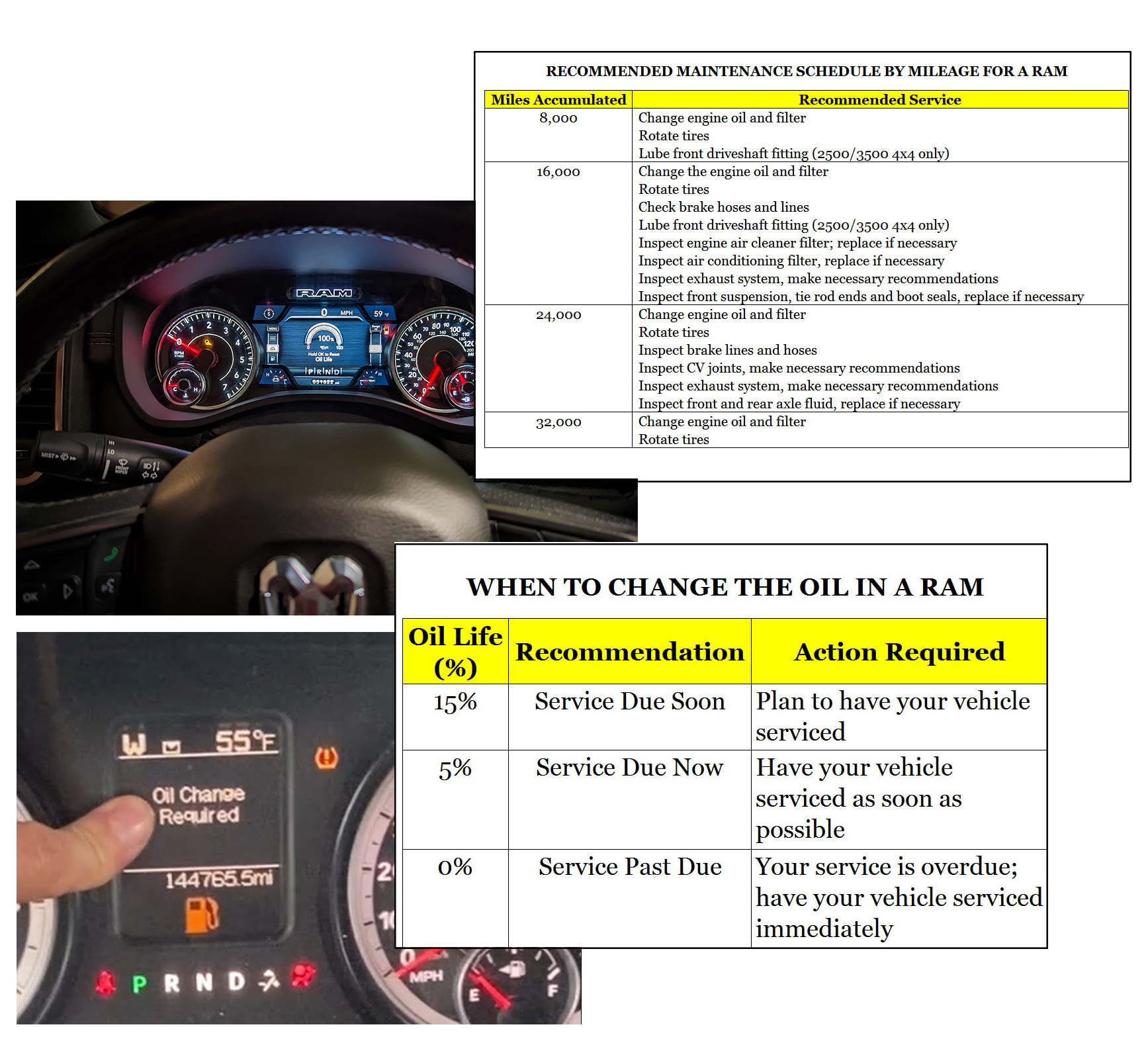
In this guide, we’ll explore the procedure for resetting the oil life indicator on Dodge RAM models 1500, 2500, or 3500. There are two distinct approaches to clearing the oil service reminder on these newer Dodge RAM vehicles.
Approach 1: Manual Reset
- Activate the ignition by turning it to the «ON/RUN» position, but do not start the engine. For vehicles with push-button ignition, double-tap the «Engine Start/Stop» button without engaging the brake pedal.
- Gently depress the accelerator pedal three times within a span of 10 seconds.
- Switch off the ignition. With push-button ignition, press the «Engine Start/Stop» button once without pressing the brake.
- Upon restarting the vehicle, the oil service reminder will be cleared.

Approach 2: Via the Vehicle’s Integrated Computer System
- Switch the ignition to the «ON/RUN» position. For push-button ignition, simply tap the «Engine Start/Stop» button once without stepping on the brake pedal, and avoid starting the engine.
- Use the «Down Arrow» to scroll to the «Vehicle Information» menu.
- Hit the «Right Arrow» to access the settings.
- Locate the «Oil Life» setting by scrolling with the arrows.
- Press and hold the «Right Arrow» or «OK» to initiate the reset command.
- The system will offer a «Reset» option.
- Select «Yes» using the «Up Arrow,» then finalize your selection by pressing the «Right Arrow».
- This action resets the oil life to 100%.
By adhering to these steps, you can effectively reset the oil life indicator of your Dodge RAM, thereby maintaining an accurate schedule for your vehicle’s oil changes.
