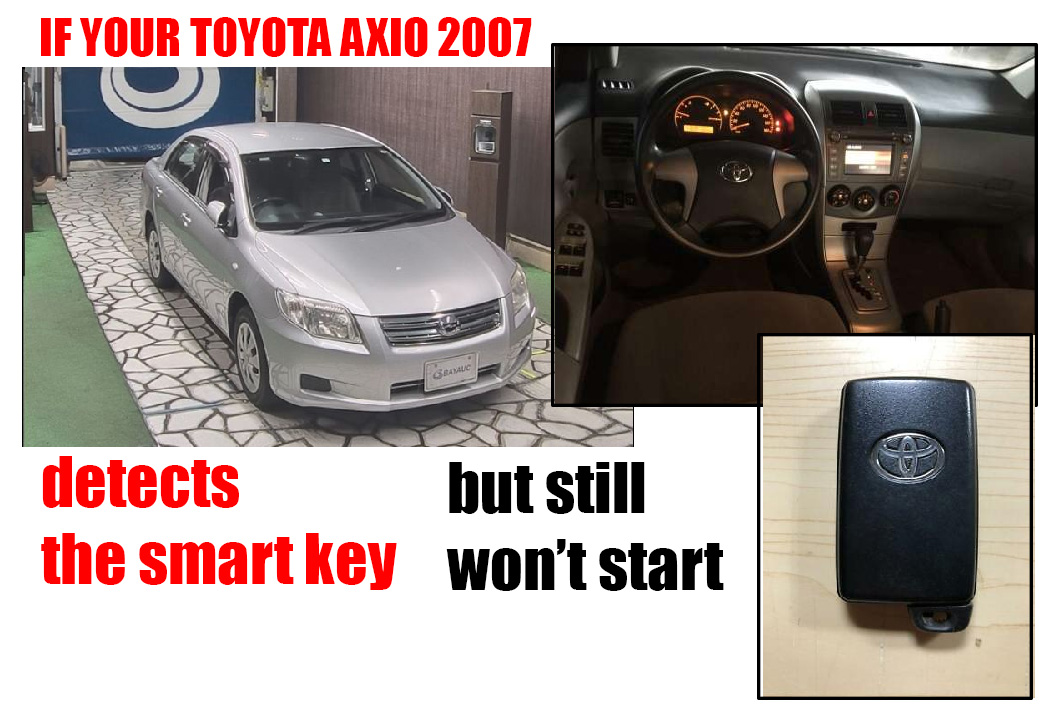
If your Toyota Axio 2007 detects the smart key but still won’t start, there could be a few reasons behind it. Here are some simple steps to try that might get you going:
- Check the Smart Key Battery
- Even though the car is recognizing the key, the battery in the key itself might be weak. It sounds simple, but sometimes a low key battery can mess with the starting signal. If you haven’t changed it in a while, it might be worth replacing.
- Make Sure You’re Pressing the Brake
- This one might sound obvious, but sometimes the brake pedal sensor acts up, or the pedal isn’t pressed firmly enough. Without that, the car won’t start. Also, if your brake lights aren’t working, it could point to an issue with the brake light switch, which can interfere with starting.
- Try Holding the Key Close to the Start Button
- Sometimes, the car’s system might struggle to recognize the key properly. You can try holding the smart key closer to the start button or holding down the button a bit longer to see if that helps.
- Starter System Check
- If there’s no sound or any sign of cranking, the starter motor, relay, or wiring could be the issue. This one might require a mechanic to take a look and test those parts out.
- Use a Code Scanner
- If you have access to an OBD-II scanner, plug it in to see if there are any error codes. There might be an electrical issue or something with the ignition or immobilizer system that a code would help identify.
- Check the Immobilizer System
- If all else fails, the immobilizer could be preventing the car from starting, even if it’s recognizing the key. If you have a spare key, give that a try—sometimes it’s the key itself.
If none of these do the trick, it might be time to get a pro to take a look. Sometimes the problem is buried in the electrical system or something in the immobilizer. Good luck, hope it’s something simple!