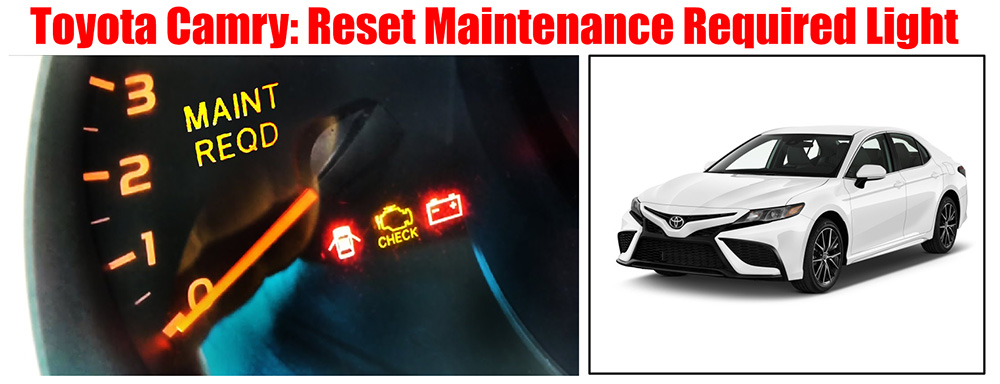
After a certain mileage, we take the vehicle to a service station for an oil change. Once the oil is replaced, and you feel reassured, a message indicating the need for maintenance may still appear on the information panel. In such cases, you should reset the oil indicator.
Models from 2018-2021 (Reset Maintenance Required Light)
- Navigate to the ⚙ icon on the touchscreen, or press the ⦿ button on the steering wheel (varies by model).
- Choose “Vehicle Settings” (if available), then press “OK.”
- Go to “Scheduled Maintenance,” and then press “OK.”
- Select “Yes,” followed by “OK.”
Models from 2007-2017 (Reset Maintenance Required Light)
- Activate the vehicle’s ignition by turning it “On.” For models with a push button, press the Engine Start button twice.
- Press the “Trip” or “Disp” button to change the display to the Trip A mileage.
- Switch the ignition to “Off.”
- Hold down the “Trip” or “Disp” button.
- Keep holding the “Trip” or “Disp” button while you turn the ignition back to “On.” For push button models, press the Engine Start button twice again without starting the engine.
- The display will reset to all zeros, indicating the maintenance light has been reset.
Models from 1998-2006 (Reset Maintenance Required Light)
- With the engine running, press the “Trip” stem button to switch the display to show the full odometer reading.
- Turn the ignition to the “ACC” or “Lock” position.
- Continue pressing and holding the “Trip” stem button while turning the ignition back to the “On” position.
- Maintain your hold on the “Trip” stem button until the display resets to all zeros.
- The light will reappear after 5,000 miles.