
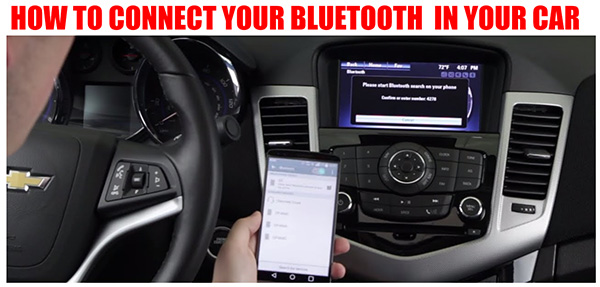
Every day we witness the evolution of various gadgets, and automobiles are no exception. Technological progress envelops all aspects of human life. Now, we can connect our devices to the car’s stereo system, whether it’s an Android or an iPhone. To perform synchronization, either a wired connection or a Bluetooth connection is required.
Wired Connection:
Open the compartment door beneath the stereo system. Locate the audio jack cover or USB port and connect the appropriate cable. Select the corresponding USB or AUX option on the infotainment panel’s screen.
Bluetooth Connection:

Activate Bluetooth on your phone. Start the vehicle and turn on the infotainment screen of the stereo system. Press the “settings” button. Navigate to the Bluetooth tab. Select “Add Device.” The system will begin searching for available Bluetooth devices; select your phone. Enter the pairing code and enjoy the new feature available in your vehicle.
Why won’t my phone pair with my car?
Occasionally, a device may fail to synchronize with the car’s infotainment system. This can occur due to a weak Bluetooth signal or a software malfunction. In such cases, seek an area with a stronger signal or update the Bluetooth applications on both the car’s infotainment system and your phone.
